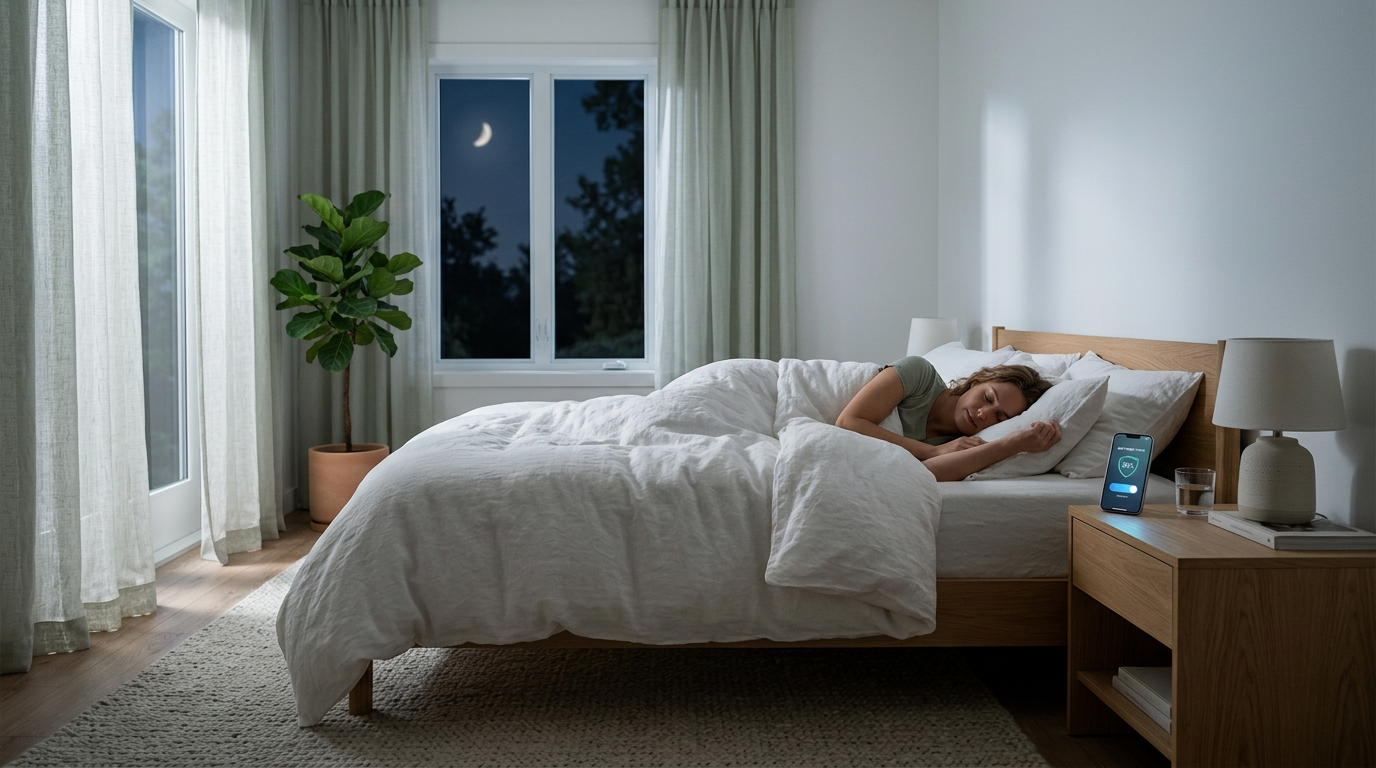
You don't need professional equipment or technical expertise to start reducing the RF electromagnetic fields in your bedroom. These five steps are practical, low-cost (or free), and can be done tonight. Each one meaningfully lowers your exposure during the hours when it matters most — the 7 to 9 hours you spend sleeping.
Step 1: Move Your Router Out of the Bedroom — or Put It on a Timer
The single most impactful change most people can make is addressing the WiFi router. If your router is in or adjacent to your bedroom, it's likely the dominant source of RF power density in your sleep environment.
The simplest fix is to move the router to another room — ideally one that's separated from your bedroom by at least one wall. RF power density decreases with the square of the distance, so even moving a router 15 feet farther away can reduce bedroom exposure dramatically.
If moving the router isn't practical, put it on a timer. A basic outlet timer (available at any hardware store for under $10) can be set to cut power to the router at bedtime and restore it before you wake up. According to EMFRadar's analysis, using a WiFi timer to shut down your router during sleep hours reduces your 24-hour cumulative RF exposure by approximately 33% — because you're eliminating the signal during the full 8 hours you're in closest proximity to it.
A smart plug is even better — it lets you adjust the schedule from your phone and can be incorporated into broader sleep automations later.
Step 2: Switch Your Phone to Airplane Mode at Bedtime
Your smartphone is a multi-radio device. At any given moment, it may be transmitting on:
- Cellular bands (600 MHz to 3.5 GHz)
- WiFi (2.4 and 5 GHz)
- Bluetooth (2.4 GHz)
- NFC (13.56 MHz)
When you place your phone on the nightstand — often less than 2 feet from your head — all of these radios are active and periodically transmitting. Cellular signals in particular can be strong, especially if your home has weak cell reception (the phone increases its transmit power to maintain the connection).
Airplane mode disables all wireless radios simultaneously. Your alarms still work. Your phone still functions as a clock. You just eliminate the RF emissions from the device closest to your head during sleep.
If you use your phone as an alarm, simply enable airplane mode as the last thing you do before sleep. Make it part of your bedtime routine — it takes two taps and three seconds.
Step 3: Remove Unnecessary Wireless Devices from Your Nightstand
Take a quick inventory of what's sitting on or near your nightstand. Common items that emit RF include:
- Bluetooth speakers — maintaining a connection even when not playing audio
- Wireless charging pads — generating electromagnetic fields when a device is placed on them
- Smart speakers (Alexa, Google Home) — constantly connected via WiFi and listening via microphone
- Tablets — maintaining WiFi and often Bluetooth connections in sleep mode
- Fitness trackers/smartwatches on chargers — syncing data via Bluetooth while charging
For each device, ask: does this need to be within arm's reach while I sleep? If the answer is no, move it to another room or at least to the far side of the bedroom. Distance is your most effective tool — doubling the distance from a device reduces your exposure by 75%.
Step 4: Use Wired Ethernet for Bedroom Devices
If you have a smart TV, gaming console, or streaming device in your bedroom, chances are it's connected via WiFi. These devices transmit periodically even in standby mode — checking for updates, maintaining cloud connections, and syncing data.
An ethernet cable provides a faster, more reliable connection while completely eliminating the WiFi transmissions from that device. Most smart TVs, game consoles, and streaming boxes have ethernet ports. A 15-foot ethernet cable costs about $5-10 and takes minutes to set up.
Once you've connected via ethernet, go into the device's network settings and disable its WiFi radio. Simply connecting ethernet doesn't always turn off WiFi — some devices maintain both connections simultaneously. Manually disabling WiFi ensures the wireless radio is actually off.
This one change can be especially impactful because smart TVs with WiFi often transmit at relatively high power levels compared to smaller devices.
Step 5: Consider a Professional Assessment for Comprehensive Reduction
The four steps above address the most common and controllable sources of bedroom RF. But your electromagnetic environment includes signals you can't control on your own — cell tower emissions, neighbor's WiFi networks, smart meters on the exterior of your home, and other sources that pass through walls.
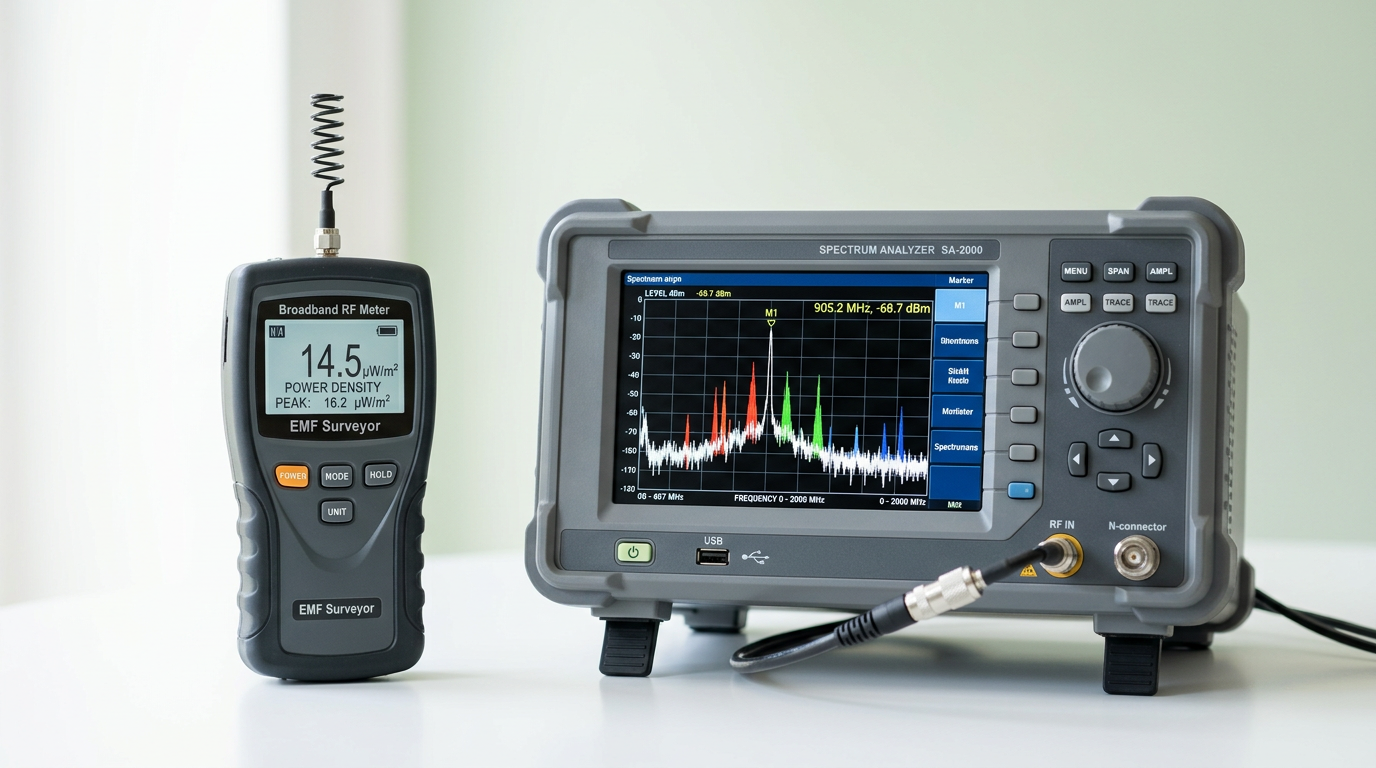
A professional EMF assessment uses calibrated instruments to measure your bedroom's total RF power density and a spectrum analyzer to identify every contributing source. This gives you a complete picture that DIY approaches can't provide.
Professional assessment is especially valuable if:
- You live in a densely populated area with many nearby WiFi networks
- Your home is within line-of-sight of a cell tower
- You have a smart meter on the wall adjacent to your bedroom
- You've made the basic changes above and want to go further
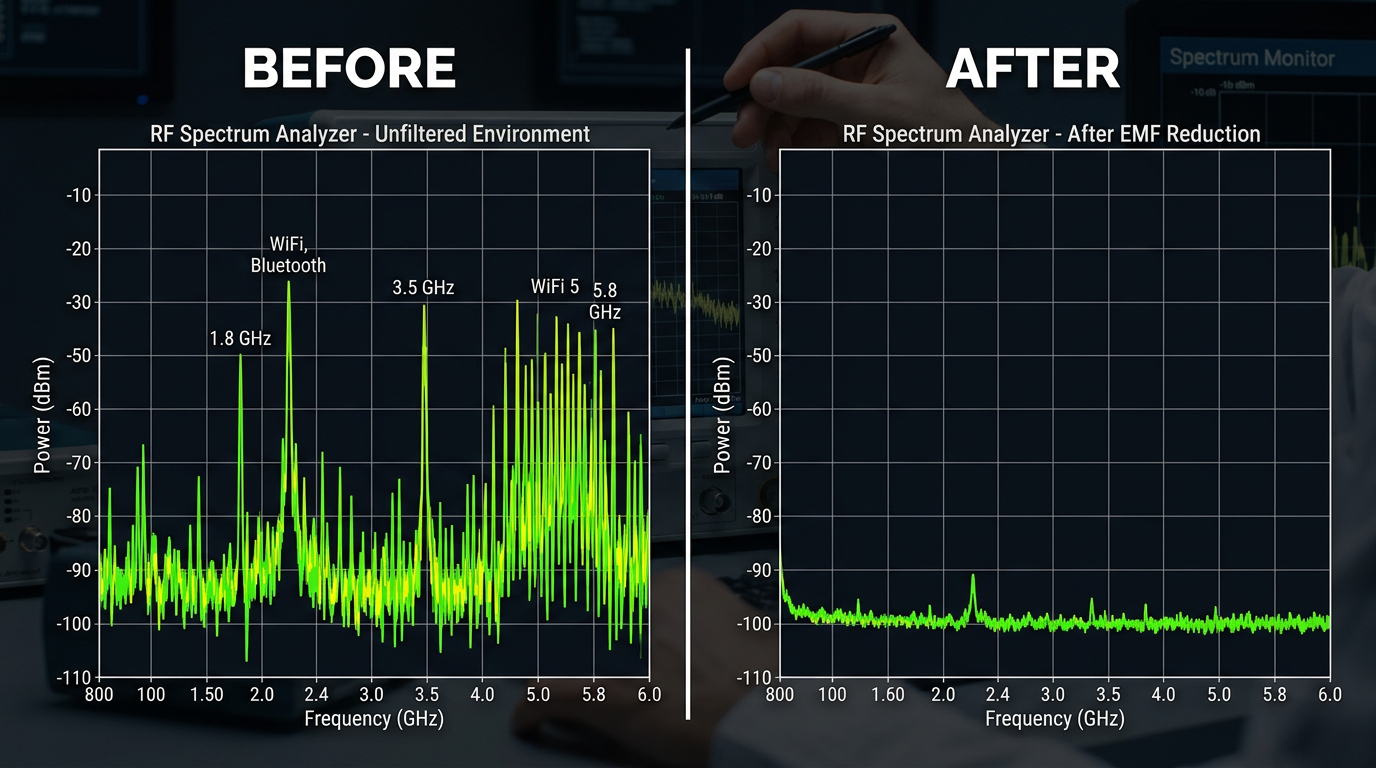
- You want documented before-and-after measurements to verify results
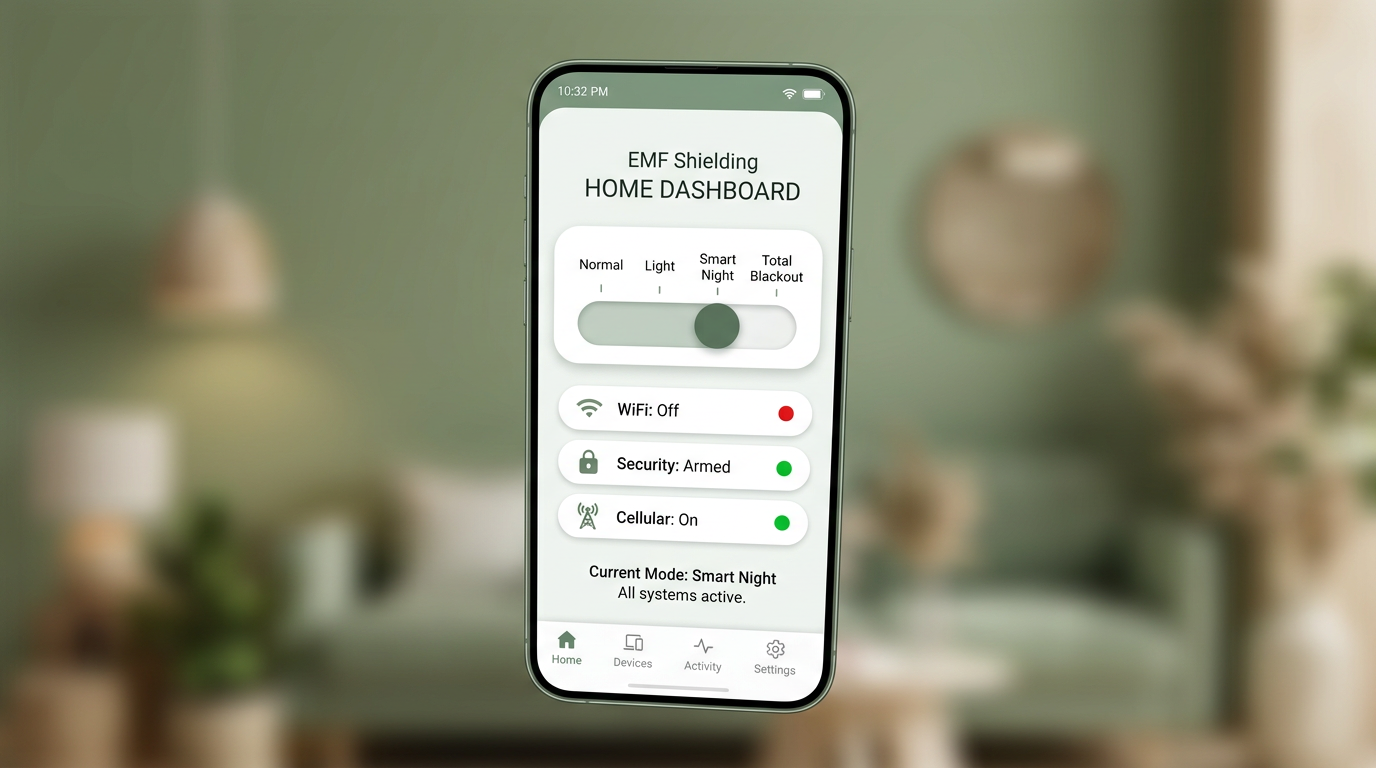
A professional service can also install automated solutions — like a Home Assistant-based system that manages your RF environment intelligently every night without any manual effort on your part.
The Compound Effect
Each of these steps provides a meaningful reduction on its own. Together, they compound. A bedroom that had five active wireless devices at close range, with a WiFi router in the same room and a phone on the nightstand, might measure 500+ μW/m² at pillow level. After implementing all five steps, the same bedroom might measure under 50 μW/m² — a 90% or greater reduction.
And here's what makes this approach empowering rather than overwhelming: every step is reversible, every step is low-cost, and every step preserves your daytime connectivity. You're not giving up technology — you're managing it intelligently during the hours when your body is focused on restoration.
The best time to start reducing your bedroom EMF is tonight. The second-best time is tomorrow night. Either way, these five steps put you in control.
Quick Reference
- Step 1: Move router or use a timer — reduces 24-hour exposure by ~33%
- Step 2: Airplane mode on phone — eliminates the closest RF source to your head
- Step 3: Clear nightstand of wireless devices — distance is your best tool
- Step 4: Wire bedroom devices with ethernet — faster connection, zero RF
- Step 5: Professional assessment — for comprehensive, verified reduction