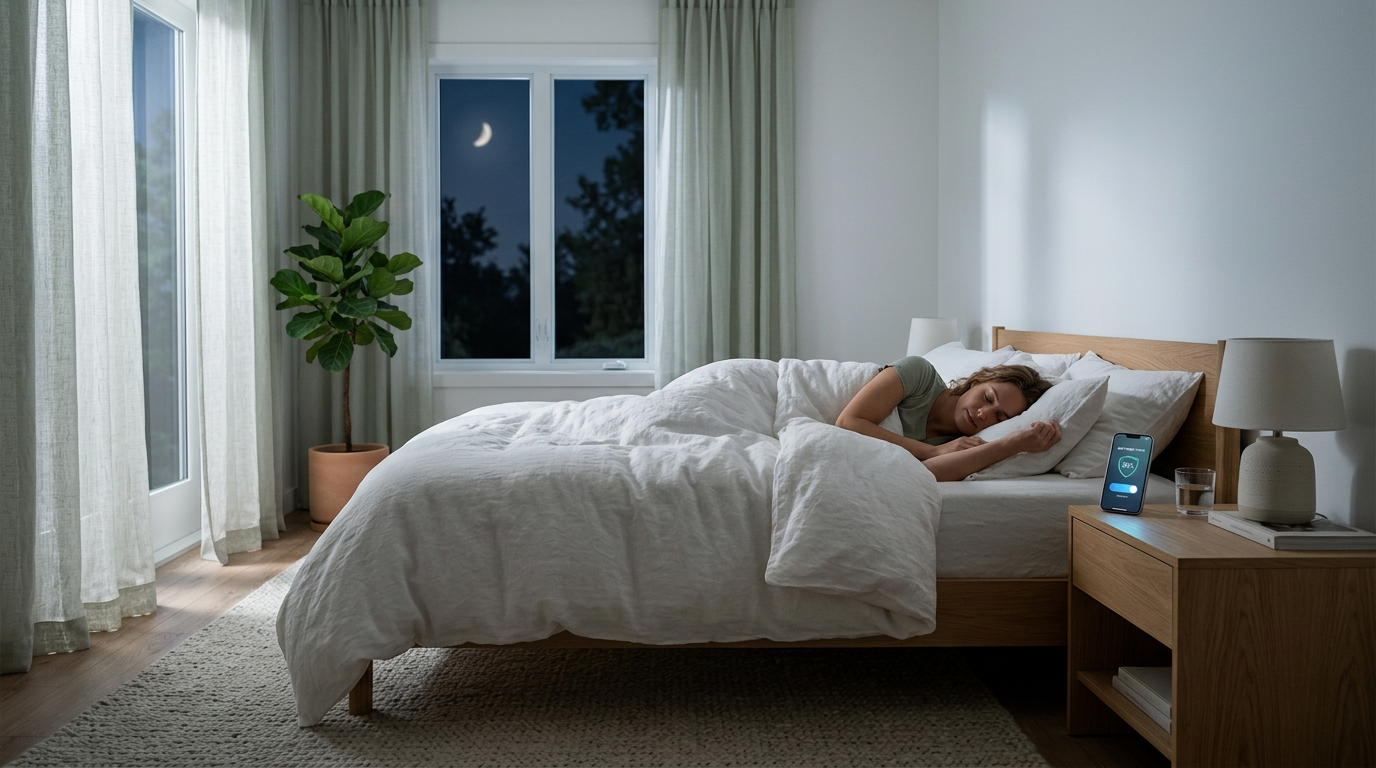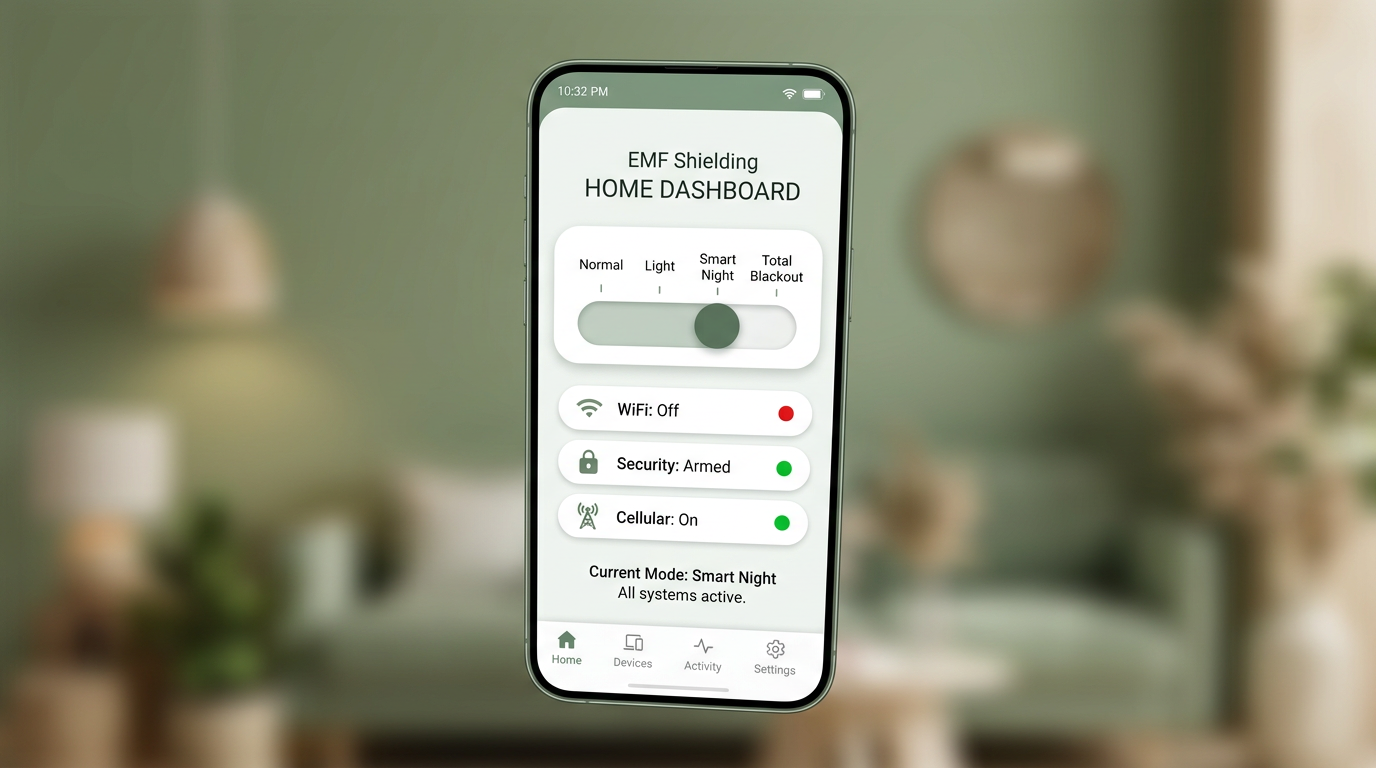
For many homeowners, bedtime music is part of the ritual. A calming playlist, a familiar volume level, and a predictable shutoff can make the transition to sleep feel easier. That is why one of the most common questions we hear is simple: what happens to my sound system when Sleep Mode turns off the WiFi devices covering the bedrooms?
The short answer is that playback may continue while control from your phone may not. The exact behavior depends on how the home is wired and how the network is laid out, which is why we test it during the in-home visit before sign-off. But there is a common pattern that helps homeowners know what to expect.
Why This Question Matters
People do not want a sleep-focused system that creates a frustrating bedtime routine. They want something predictable. If you use systems such as Sonos or systems such as Russound, you are not asking a technical question for its own sake. You are asking whether the nighttime experience will still feel simple once Sleep Mode is part of the house.
That is exactly the right question to ask, because the answer is rarely just "yes" or "no." It is usually "here is what will keep working, here is what may stop working, and here is how we set the routine up so it feels smooth in real life."
The Typical Setup
In many larger homes, the network is not a single router sitting in a corner. There is usually a main device or core connection point in a media closet, utility space, or equipment rack, and then additional WiFi transmitters covering the bedroom areas. Those transmitters may be mesh satellites, access points, or extenders placed where they can push signal upstairs and across sleeping spaces.
Sleep Mode is designed to focus on the devices that matter most to the sleep environment. In a typical configuration, the WiFi transmitters covering the bedrooms turn off at night while the core network device in the media closet may stay powered on. That design is part of what allows the system to remain practical instead of all-or-nothing.
What Often Keeps Working
When the core audio path is still powered and the audio system is tied into the always-on portion of the network, music may continue playing after Sleep Mode is activated. In other words, starting the sleep playlist first and then activating nighttime protection does not necessarily cut the music off mid-song.
This is why some homeowners are pleasantly surprised during testing. They expect the entire experience to collapse the moment the upstairs WiFi devices go dark, but in many homes the playback itself continues just fine.
What Often Stops Working
The more common limitation is not playback. It is control.
Once the WiFi devices covering the bedroom are turned off, your phone may lose the network path it was using to talk to the sound system. That can mean:
- no changing songs from bed
- no pausing or stopping playback from the phone
- no adjusting volume once Sleep Mode is on
- no browsing for a different playlist after the fact
That behavior does not mean the audio system is broken. It simply means the playback path and the control path are not the same thing. One can remain active while the other disappears.
Why That Happens
The easiest way to think about it is this: the speakers or whole-home audio system may still be receiving and playing the stream, but your phone is no longer on the same practical control path once bedroom WiFi coverage is shut down.
So the music can keep going while your ability to send new commands from the bedroom falls away. That distinction is important because it explains why the bedtime workflow should be built around preparing the playback first rather than trying to manage it after Sleep Mode is already active.
The Best Bedtime Workflow
The easiest routine is also the most reliable one.
- Choose the playlist before bed.
- Use a fixed-length playlist, such as 60 or 90 minutes.
- Disable autoplay so the system does not keep going longer than you intended.
- Start playback first.
- Then activate Sleep Mode.
That sequence gives you the best chance of getting the exact bedtime experience you want without needing to reach back into the app after bedroom WiFi coverage has been reduced.
For many homeowners, the simplest improvement is creating a small set of dedicated sleep playlists with predictable lengths. That turns bedtime into a repeatable routine rather than a technical experiment.
Why The In-Home Visit Matters
No two homes are identical. The exact behavior depends on the wiring, the network layout, the location of the transmitters, and the type of audio system in place. That is why we do not pretend every setup behaves the same way.
Instead, we test the actual system in the actual house. We look at what happens when nighttime protection is activated, what continues to work, what control path drops away, and how to set expectations clearly before we sign off.
That testing is part of what makes the one-visit goal practical. The aim is not just to install something. The aim is to leave the homeowner with a routine that feels simple and predictable the first night they use it.
See whether the service is the right fit for you and your home
If this sounds close to your setup, the first step is a short conversation about your home, your network layout, and your goals. We use that call to see whether the service is the right fit for you and your home before anyone spends unnecessary time or money.
If we collectively decide it is not the right fit, we will do our best to suggest a better-fit next step.